> ## Documentation Index
> Fetch the complete documentation index at: https://support.trybarcodes.com/llms.txt
> Use this file to discover all available pages before exploring further.
# How to remove cards from Apple Wallet
> Removing cards from Apple Wallet, manually or after an expiration date
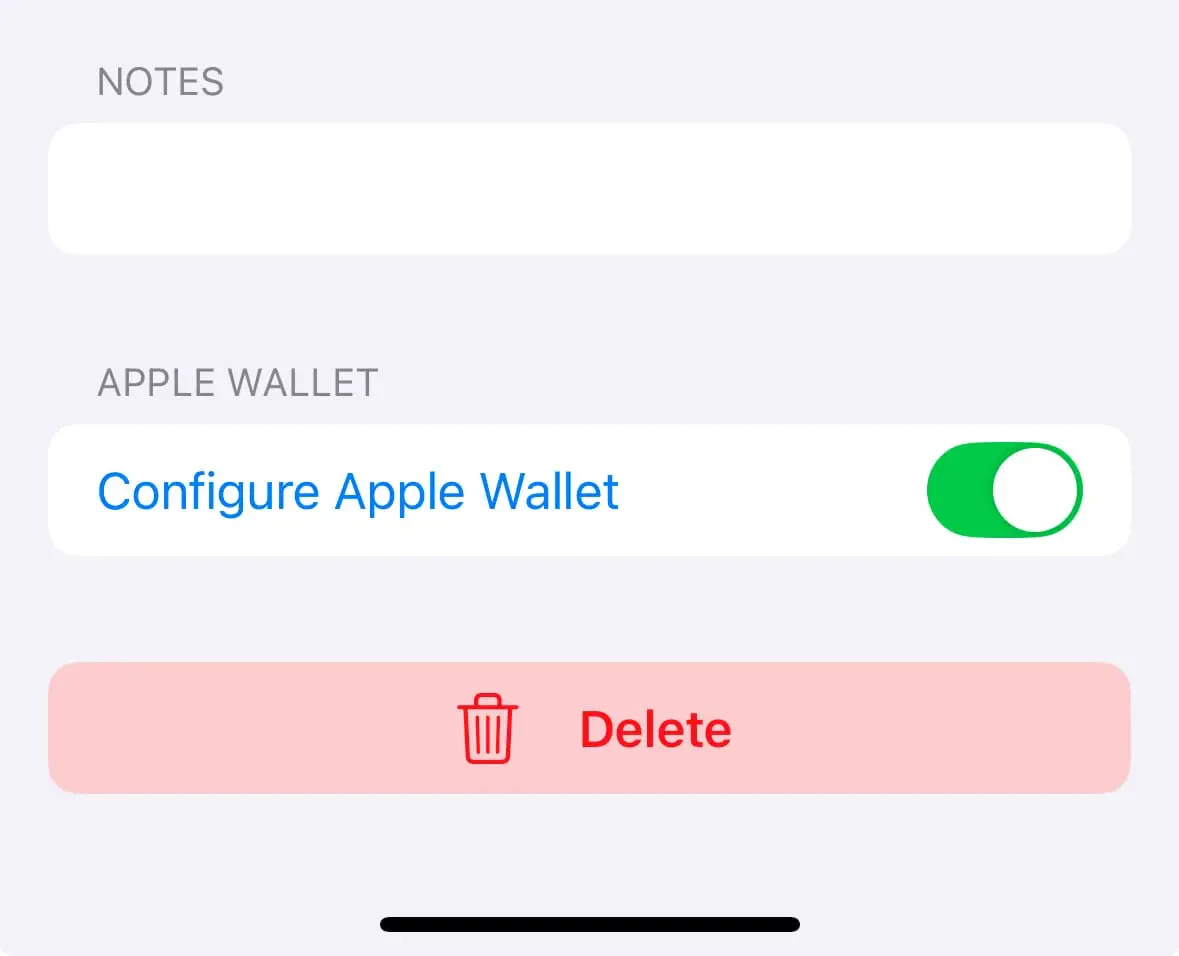
## Turn off Apple Wallet sync for card
When you delete a card in app it is also removed from Apple Wallet, but you can manually remove the card from within the Wallet app too.
1. Open the card you want to remove from Apple Wallet.
2. Tap the Edit button, then scroll down to the Apple Wallet toggle.
3. Tap the toggle to toggle off and remove the pass.
 ## **Delete card in app**
When you delete a card in app it is also removed from Apple Wallet, but you can manually remove the card from within the Wallet app too.
## How to remove a pass from Apple Wallet
1. On your iPhone, open the Wallet app.
2. Tap the pass that you want to remove.
3. Tap the More button, then tap Pass Details.
4. Tap Remove Pass, then confirm.
When you remove a pass from the Wallet app on your iPhone, you might also remove that pass from your paired Apple Watch.
[More information from Apple here.](https://support.apple.com/en-us/102544)
## **Delete card in app**
When you delete a card in app it is also removed from Apple Wallet, but you can manually remove the card from within the Wallet app too.
## How to remove a pass from Apple Wallet
1. On your iPhone, open the Wallet app.
2. Tap the pass that you want to remove.
3. Tap the More button, then tap Pass Details.
4. Tap Remove Pass, then confirm.
When you remove a pass from the Wallet app on your iPhone, you might also remove that pass from your paired Apple Watch.
[More information from Apple here.](https://support.apple.com/en-us/102544)