

Exporting your data
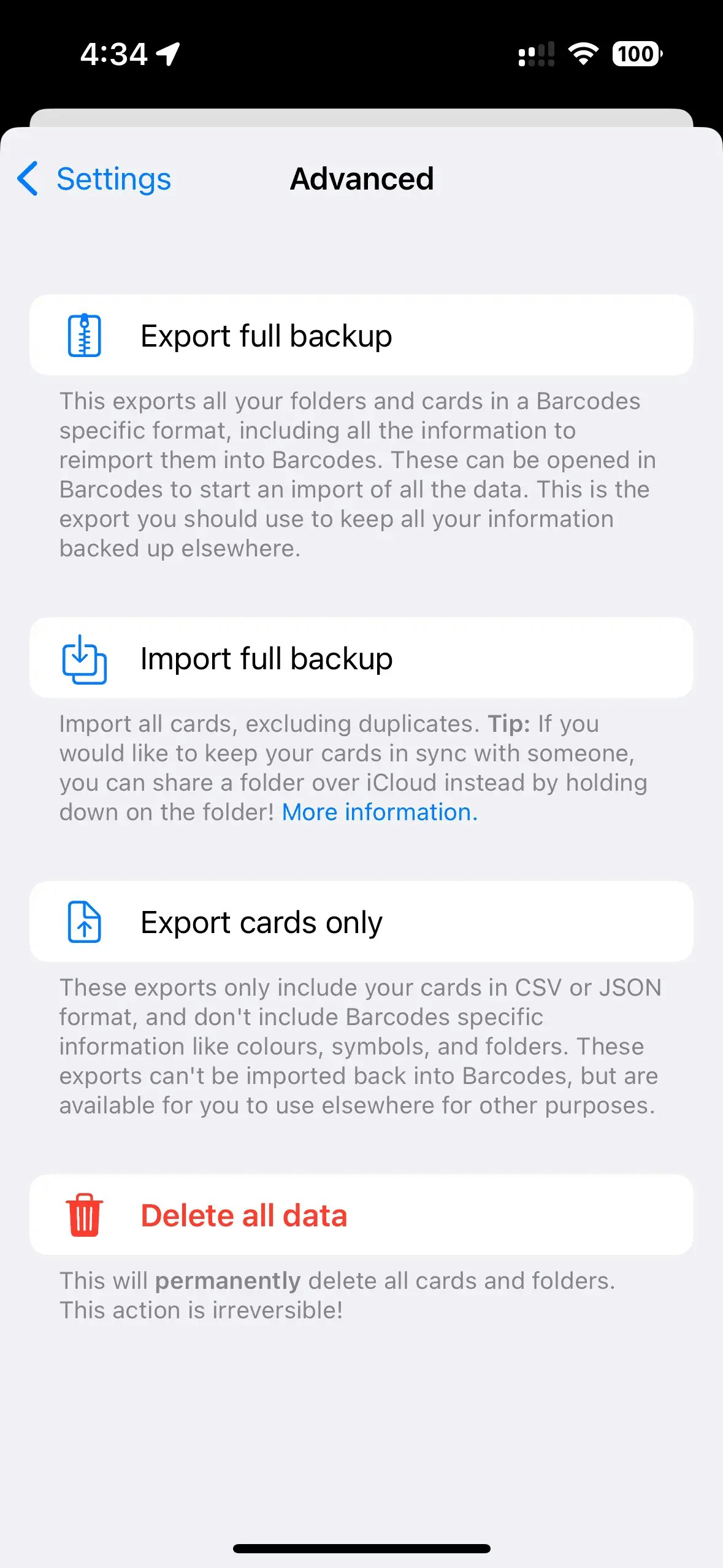
To export your data, go to Settings > Advanced. To export all your data so it can be imported, follow these steps.- Select “Export full backup”
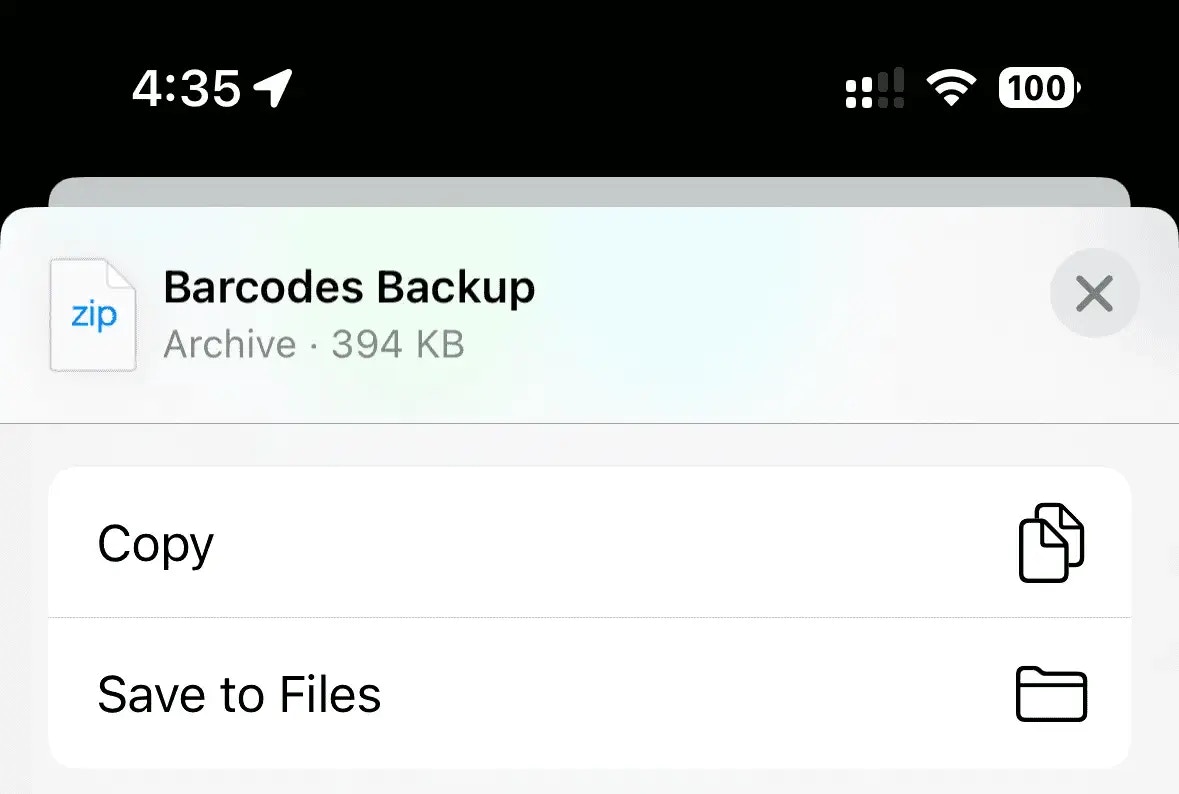
- Select “Save to files”, or choose where to send or store the backup zip folder
Importing your data
To import your data from a backup, go to Settings > Advanced and follow these steps:- Select “Import backup”
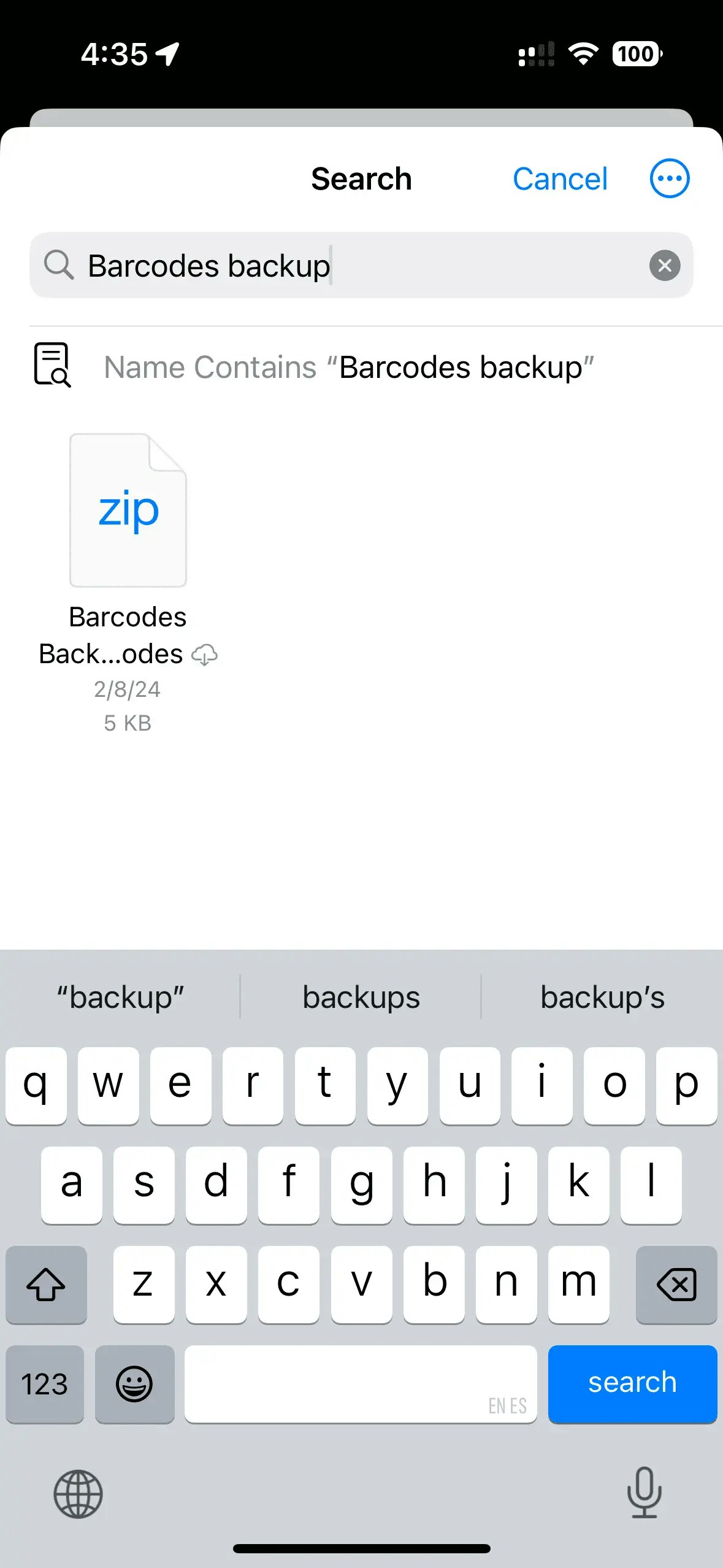
- Choose the backup zip file you want to import from your files
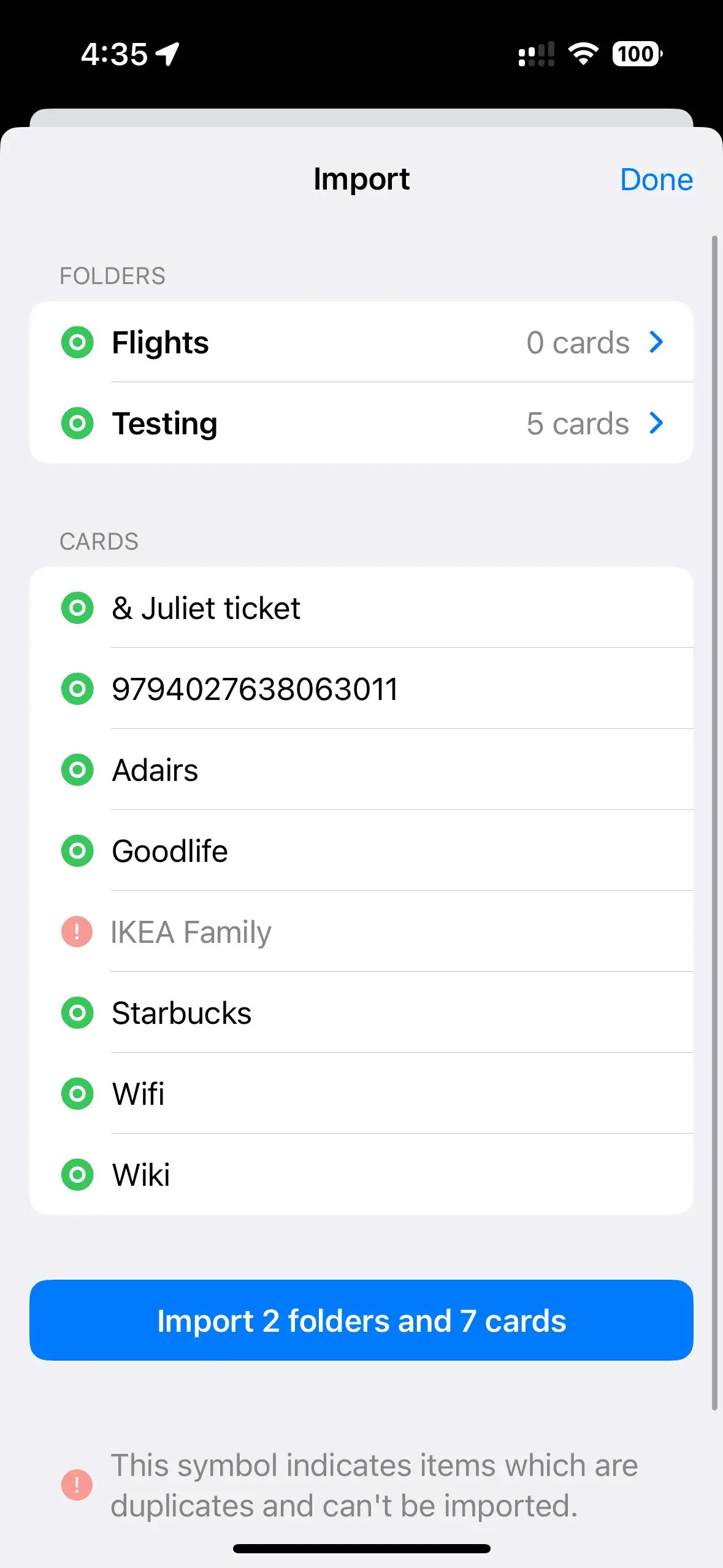
- Confirm the import when prompted
Tip: If you’re looking to keep cards in sync, instead of exporting and importing you can instead share over iCloud!Sharing over iCloud