How do I add my cards to my Home Screen as widgets?
Learn how to add your loyalty and reward cards to your Home Screen for super fast access
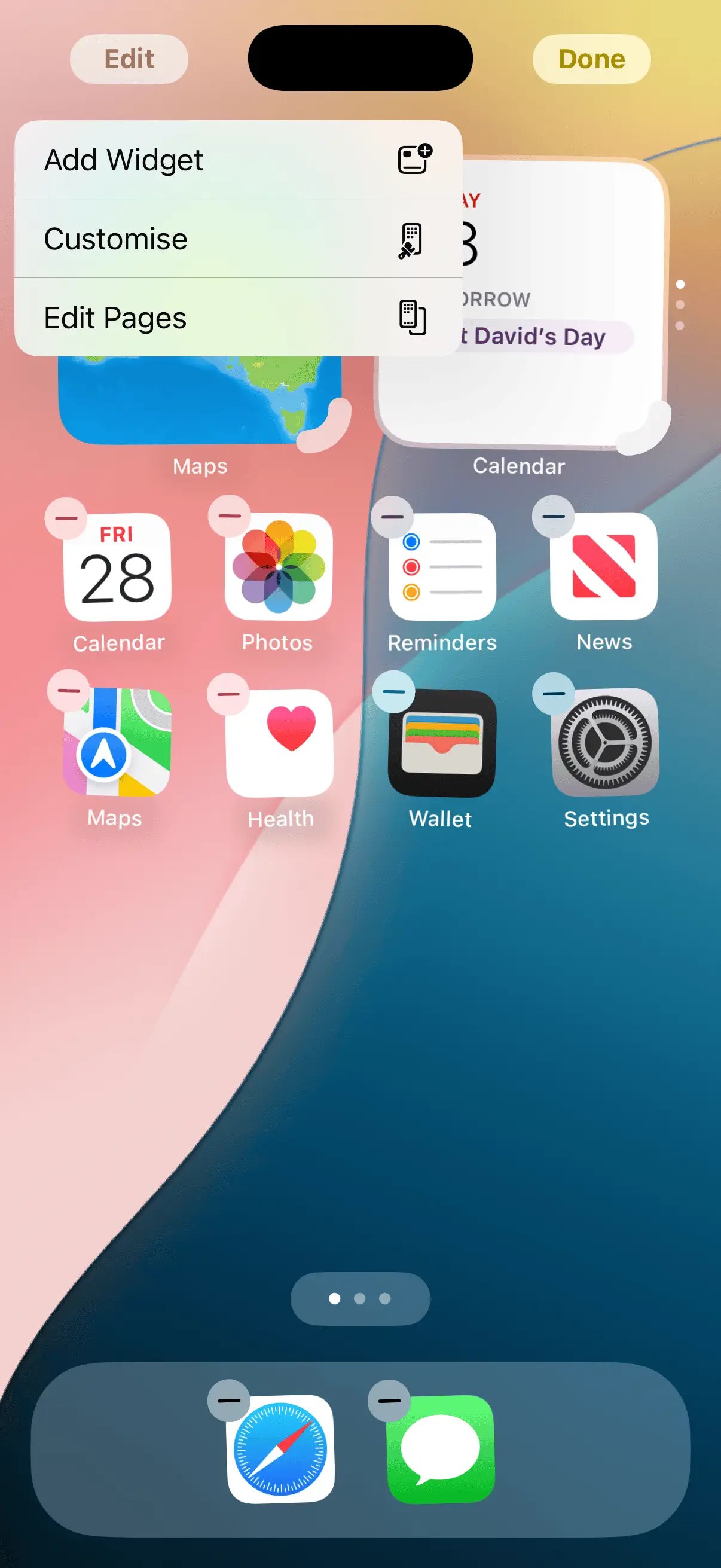
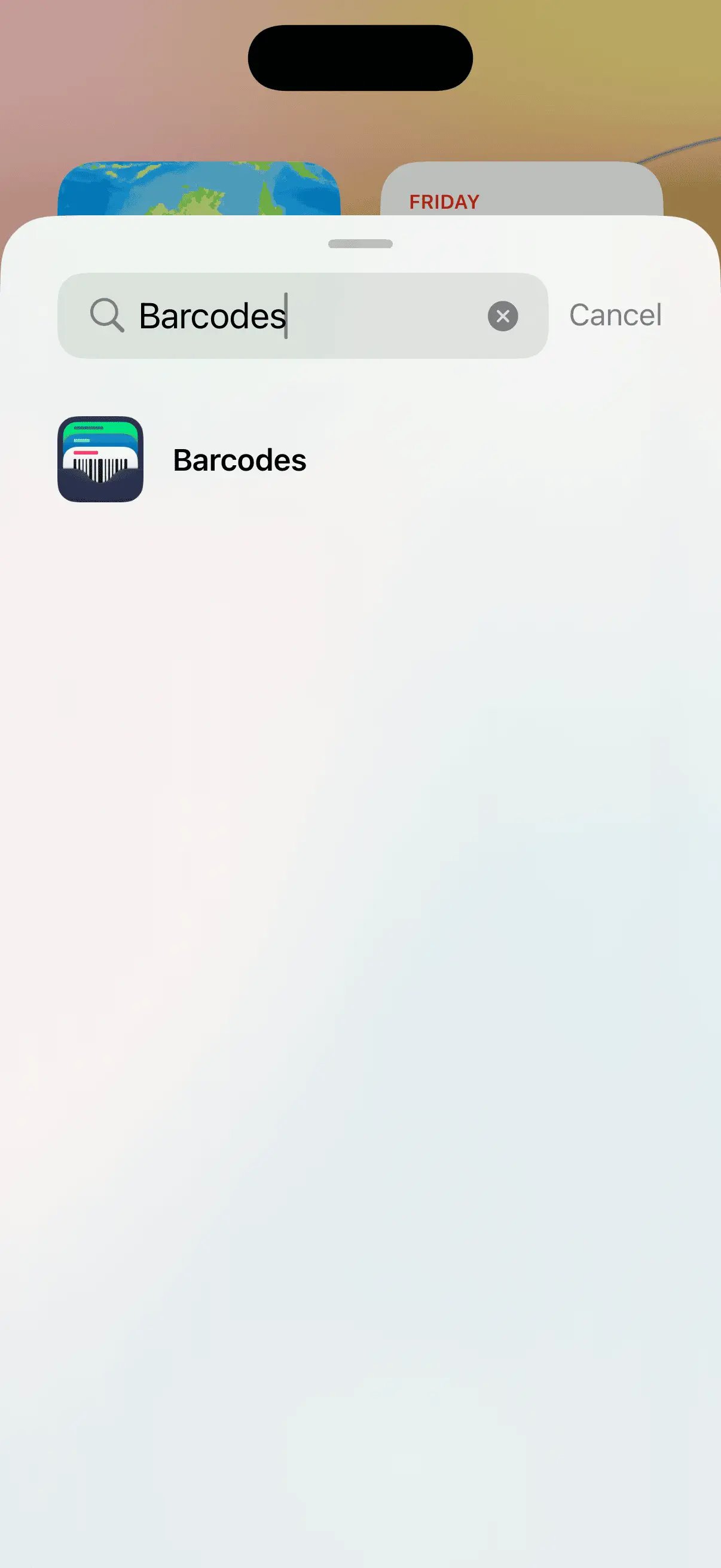
Barcodes has widgets available for the Home Screen and Lock Screen. You can add these by holding down on your Home Screen then tapping Edit > Add Widget and searching for Barcodes.
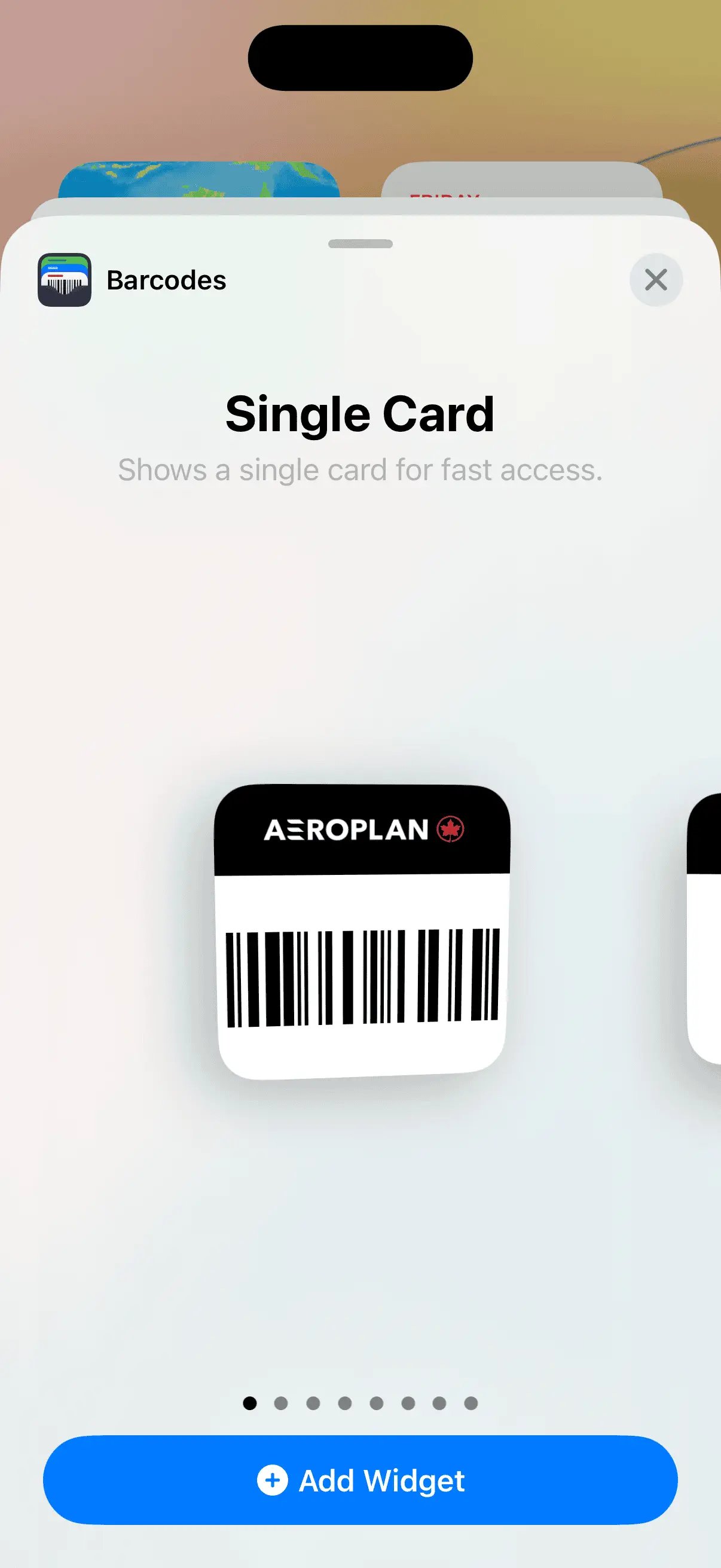
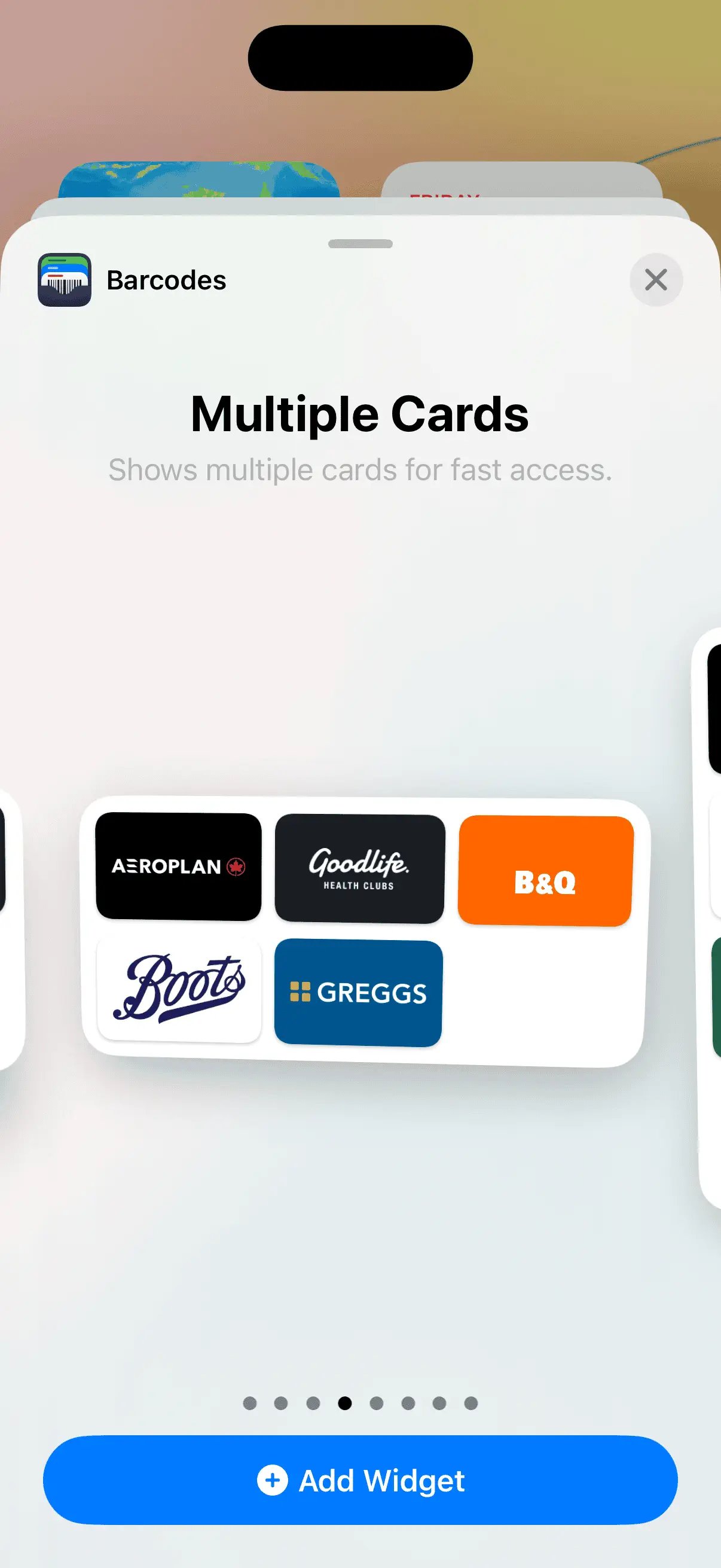
You can then choose between a Single Card widget or Multiple Card widgets. once added to your Home Screen you will be prompted to configure the widget, selecting a card or cards to display.