

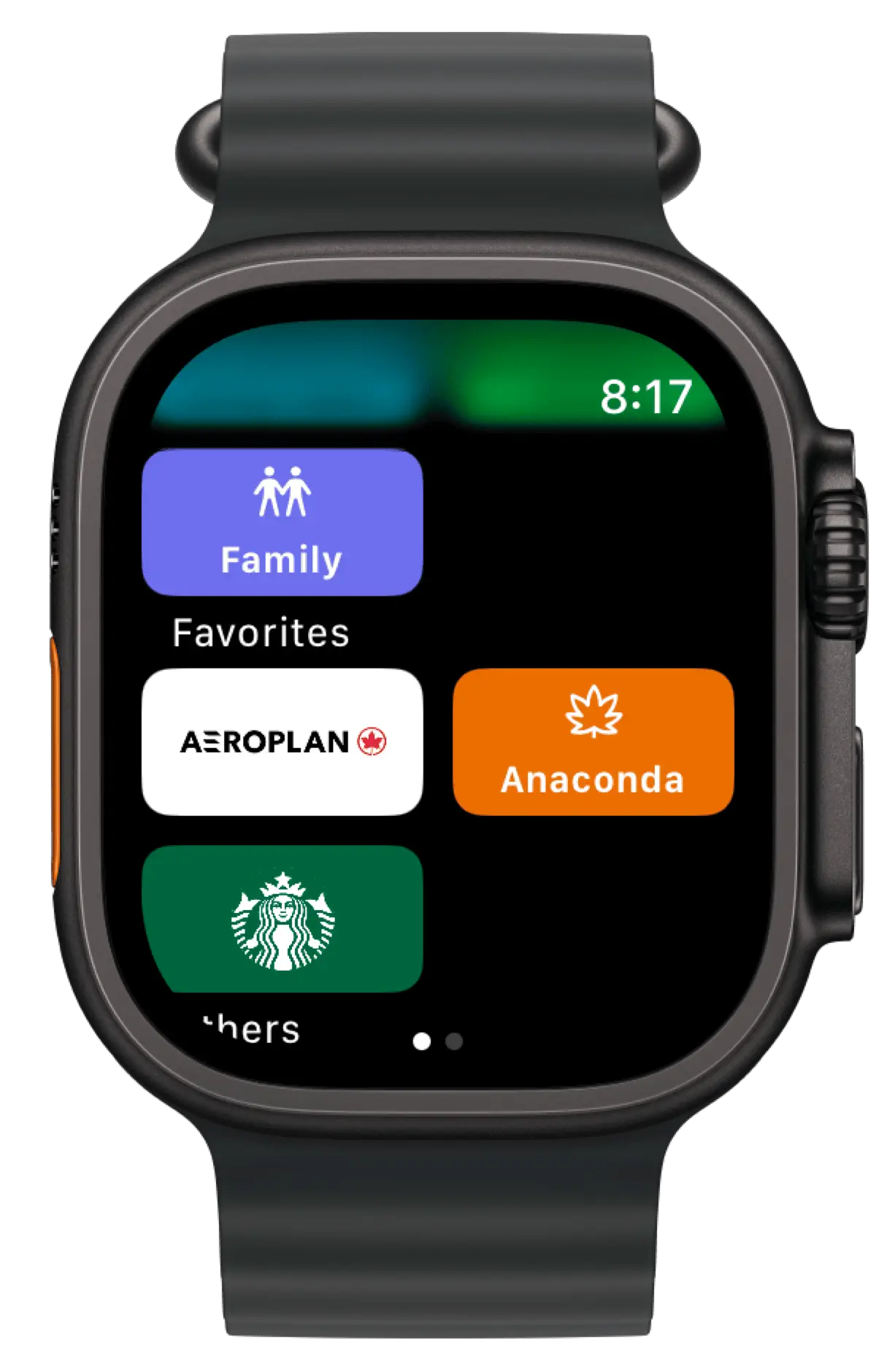
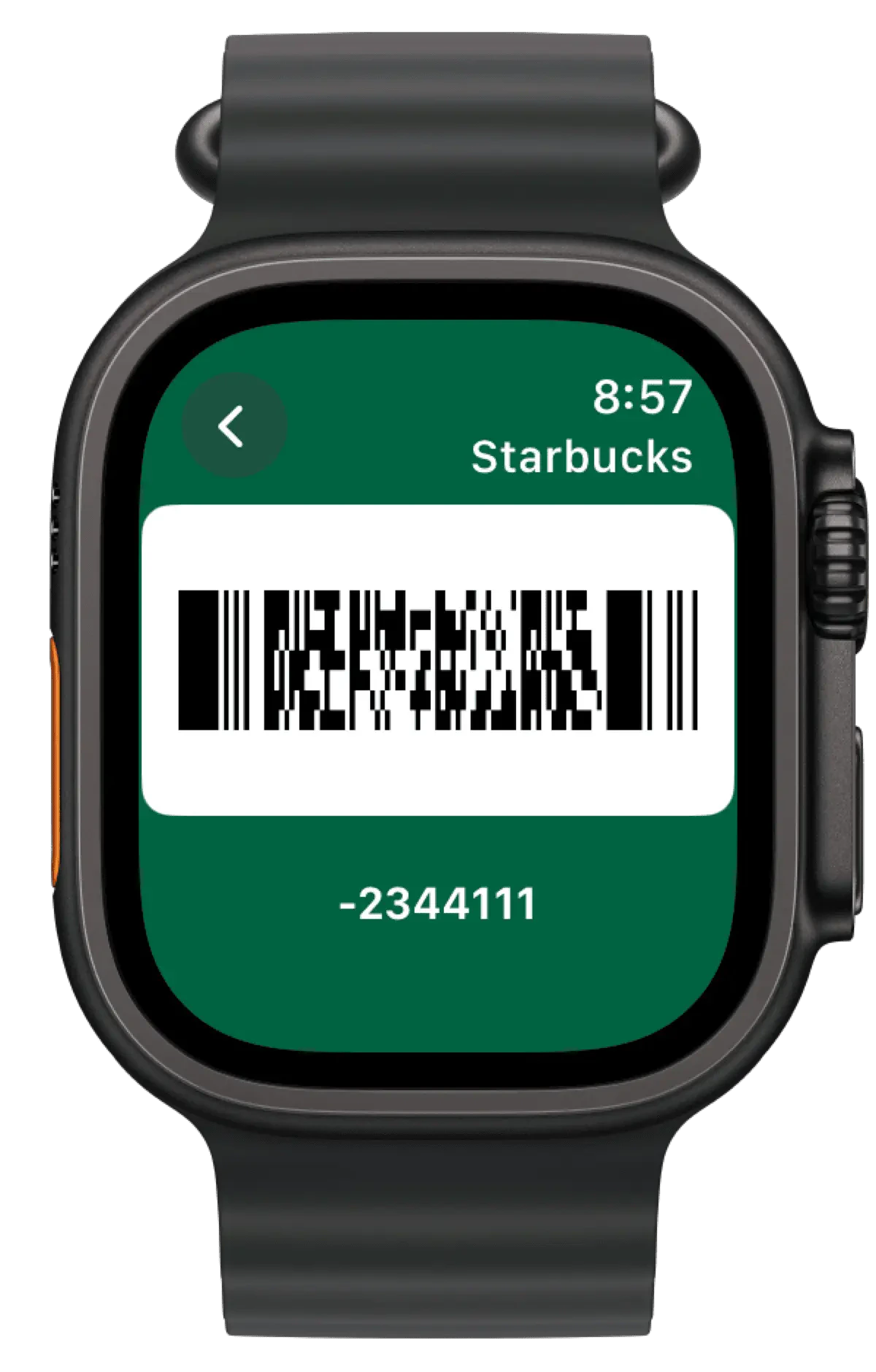
All your reward cards and loyalty cards are stored in iCloud and should sync to your Apple Watch automatically once the app is installed. You can’t create cards on your Apple Watch, but you can use them from there!
watch-cards.webp
watch-card.webp
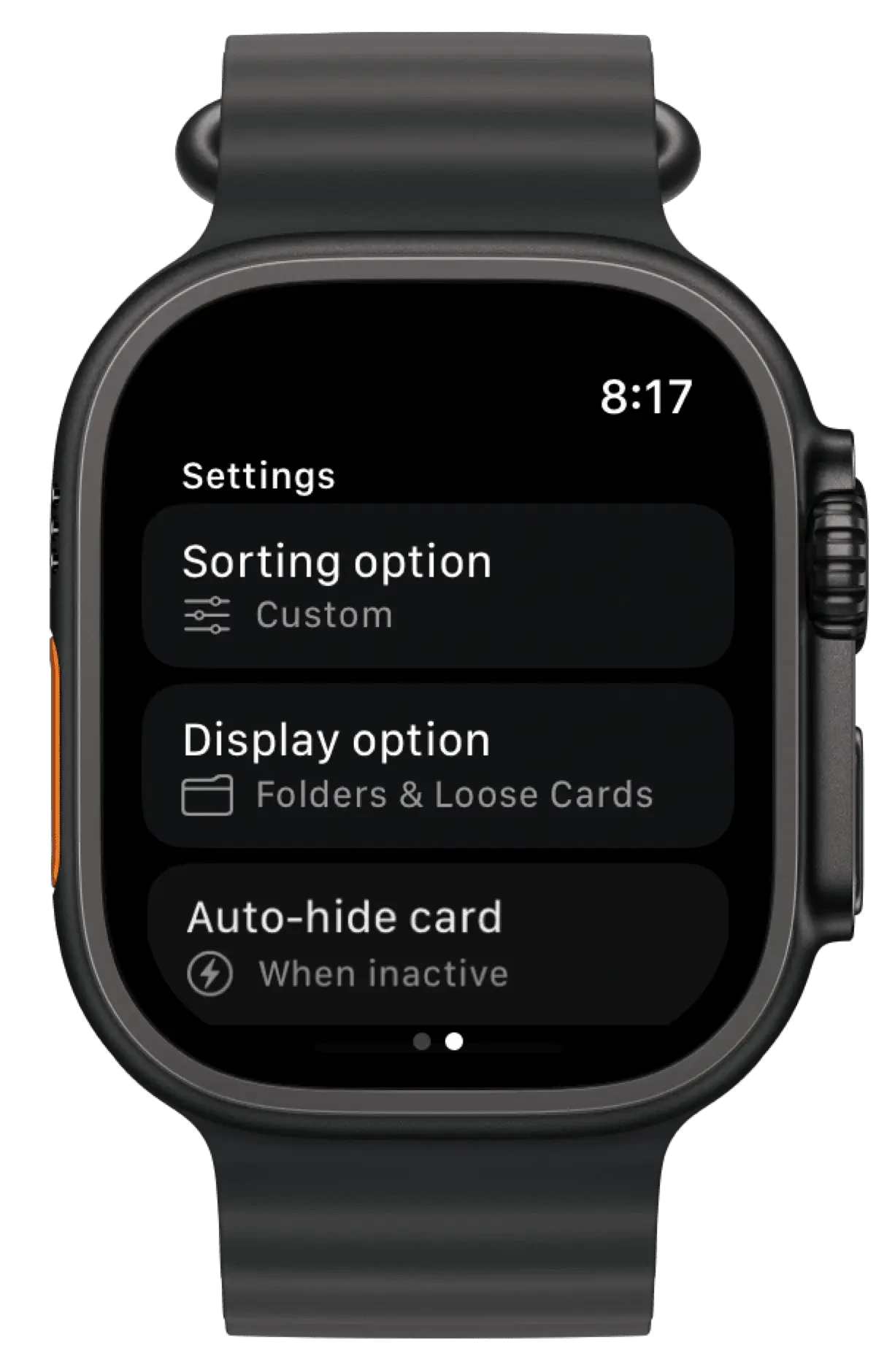
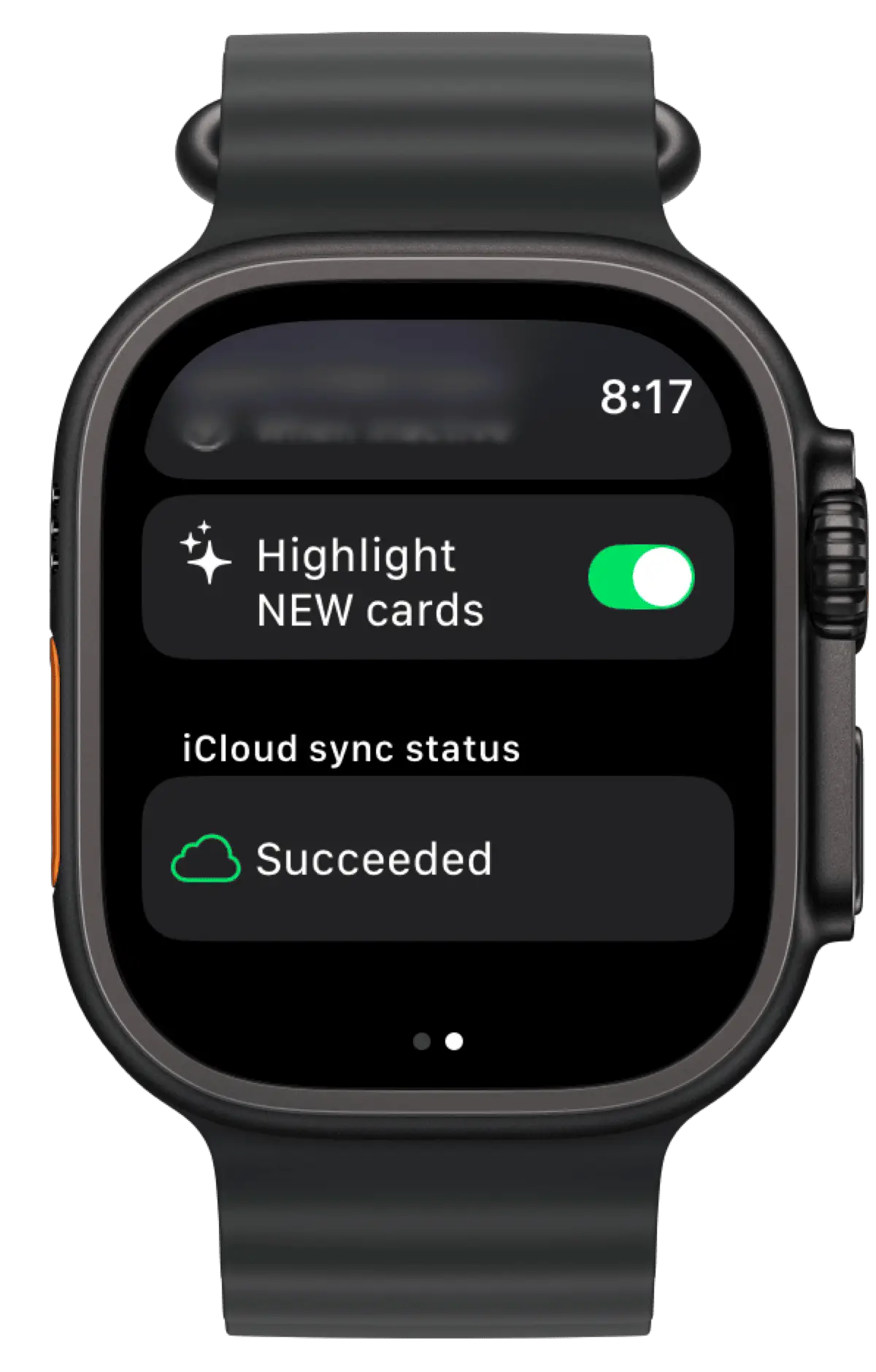
Swipe to the right to see Settings for sorting, display, auto-hiding.
watch-settings.webp
watch-settings-scrolled.webp

How to install the app to your Apple Watch from your iPhone

  1. On your iPhone, open the Watch app.
  2. Tap the My Watch tab.
  3. Scroll to the app that you want to add. Apps that you can install appear in the Available Apps section.
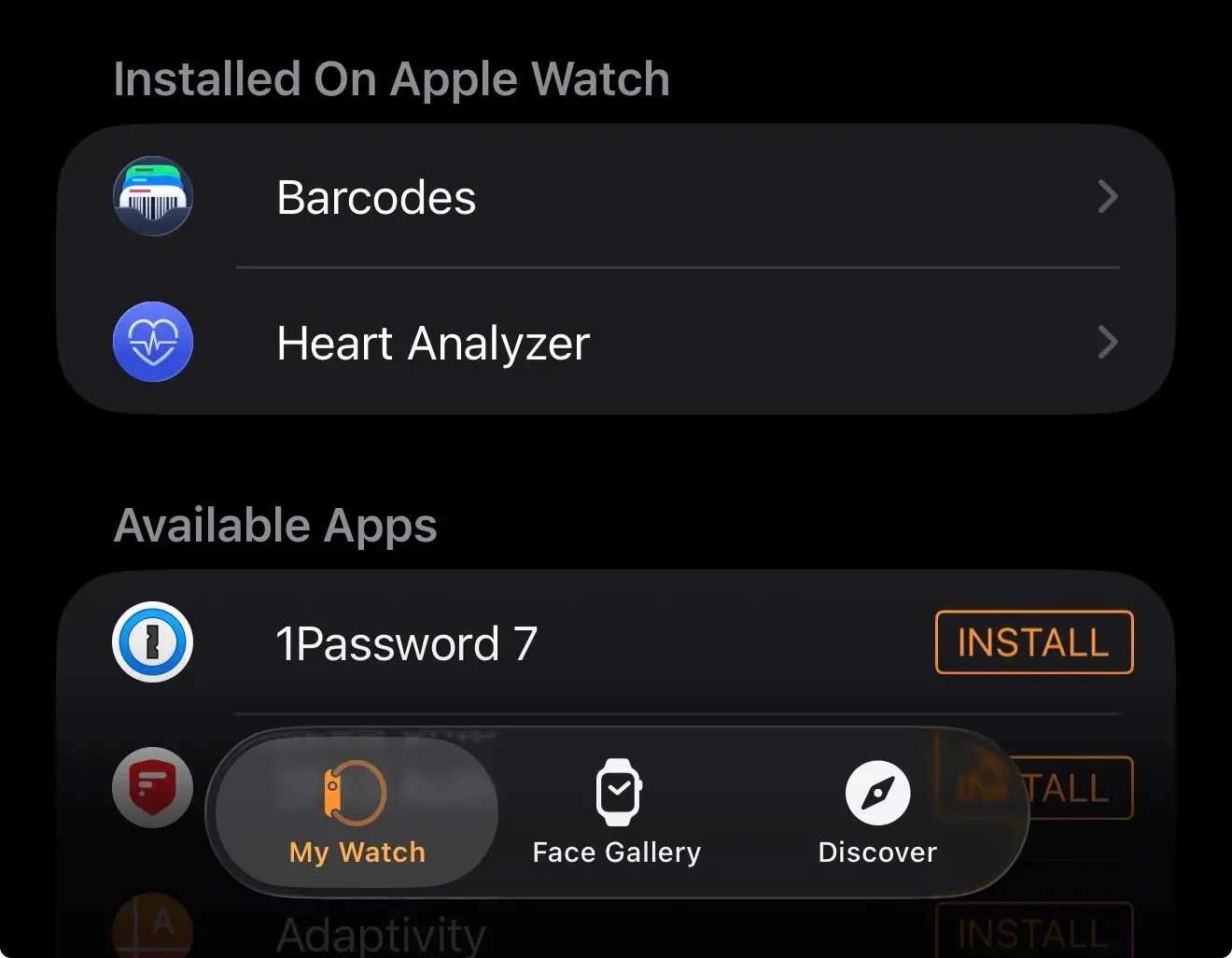
Add Barcodes to Apple watch
  1. To add an app to your watch, tap Install.