Sorting your cards
From the main card grid screen, tap the sorting icon (side-by-side arrows pointing up and down) in the top right corner.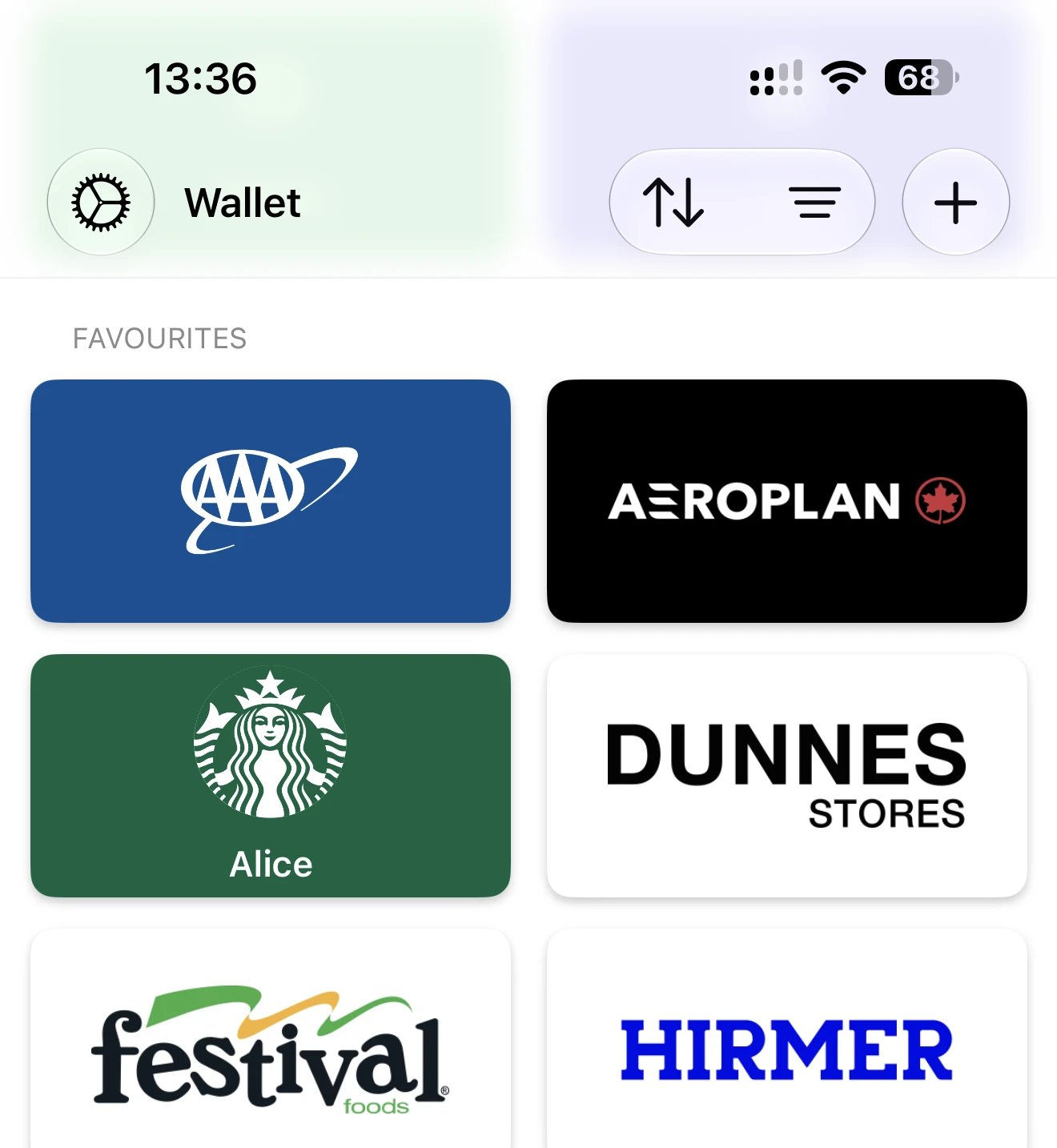
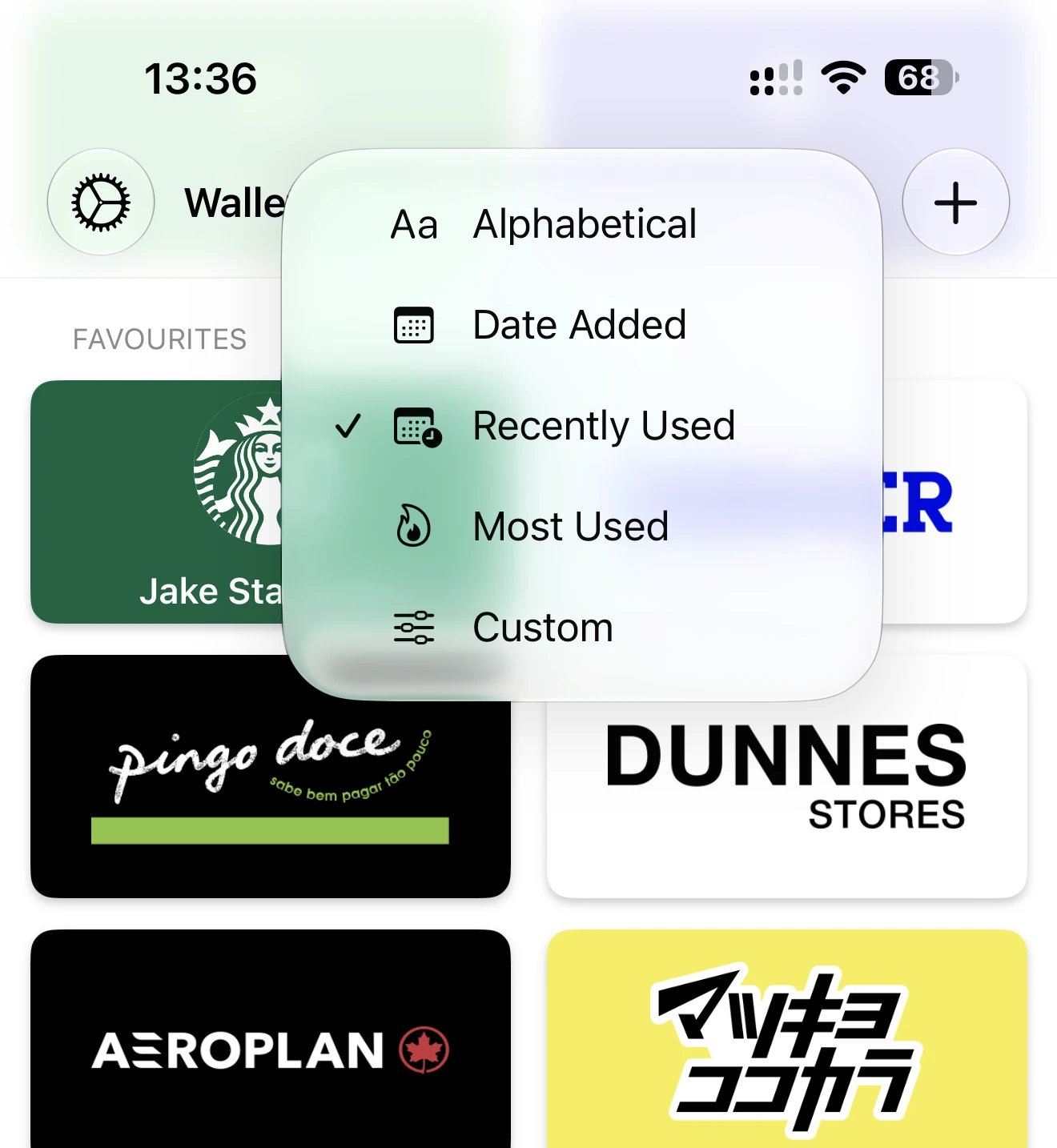
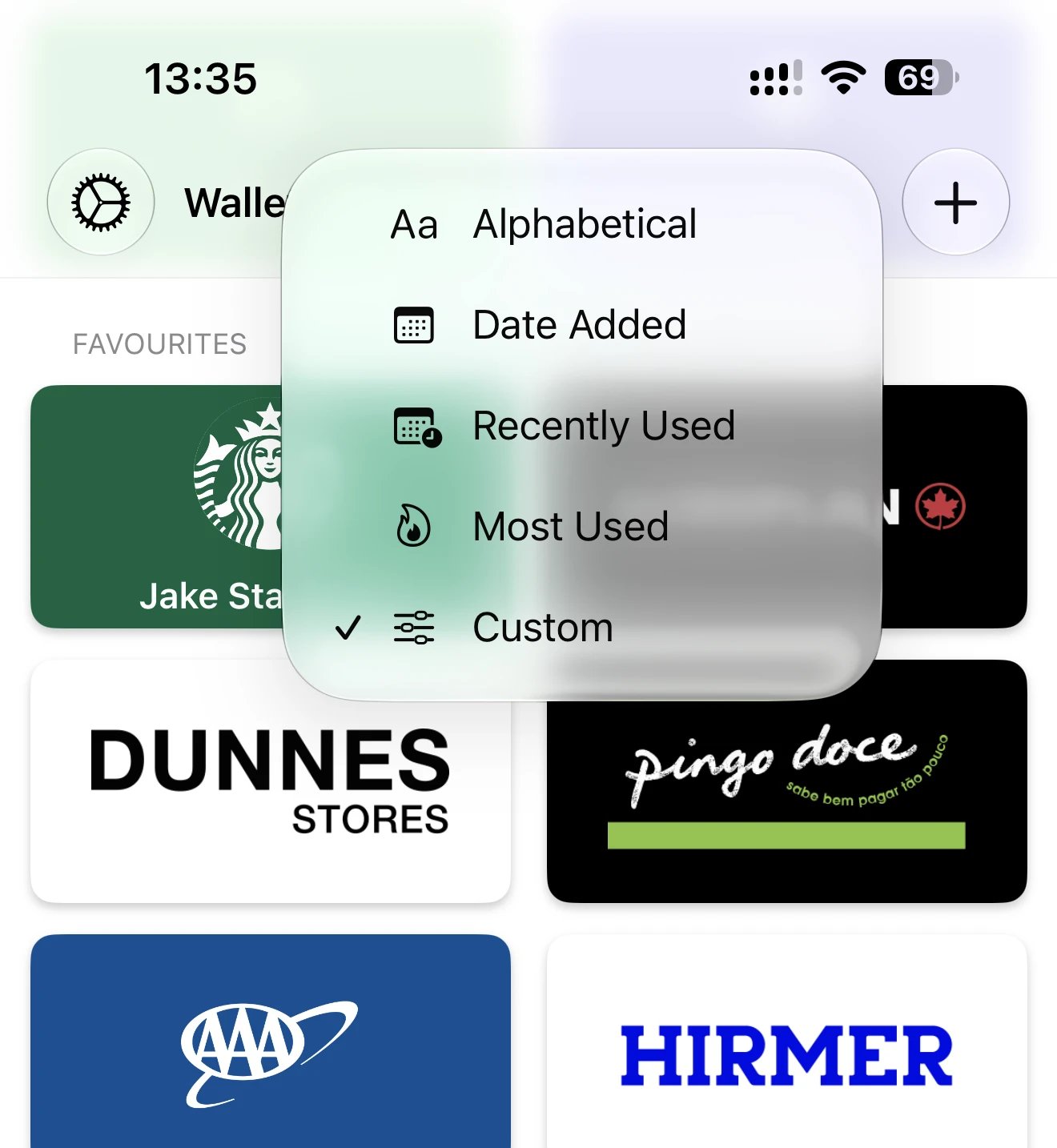
- Alphabetical — cards ordered A to Z by name
- Date Added — your newest cards at the top, oldest at the bottom
- Recently Used — cards you used most recently appear first
- Most Used — your most frequently used cards rise to the top over time
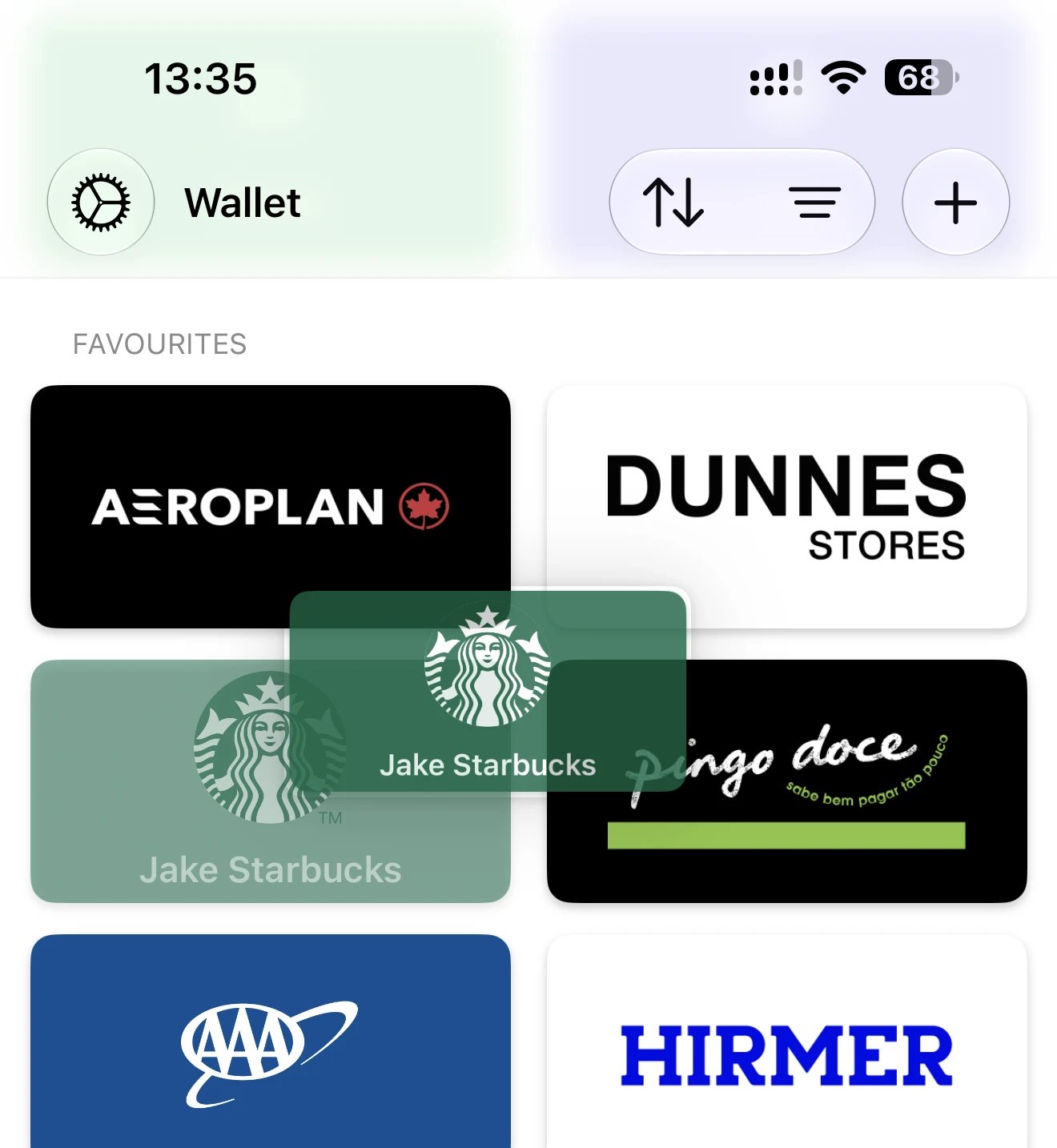
- Custom — drag and drop to arrange cards in your own order
Most Used and Recently Used
The “Most Used” and “Recently Used” options track your card usage automatically. The more often you open a card, the higher it’ll rank in “Most Used” order. “Recently Used” simply shows you the card you last opened, regardless of how often you use it. These are useful if you want your most important cards at the top without manually arranging them — Barcodes learns what you use and surfaces it for you.Custom order
If you prefer to arrange cards exactly how you like, select “Custom” and drag cards into your preferred order. You can also reorder folders in the same way.