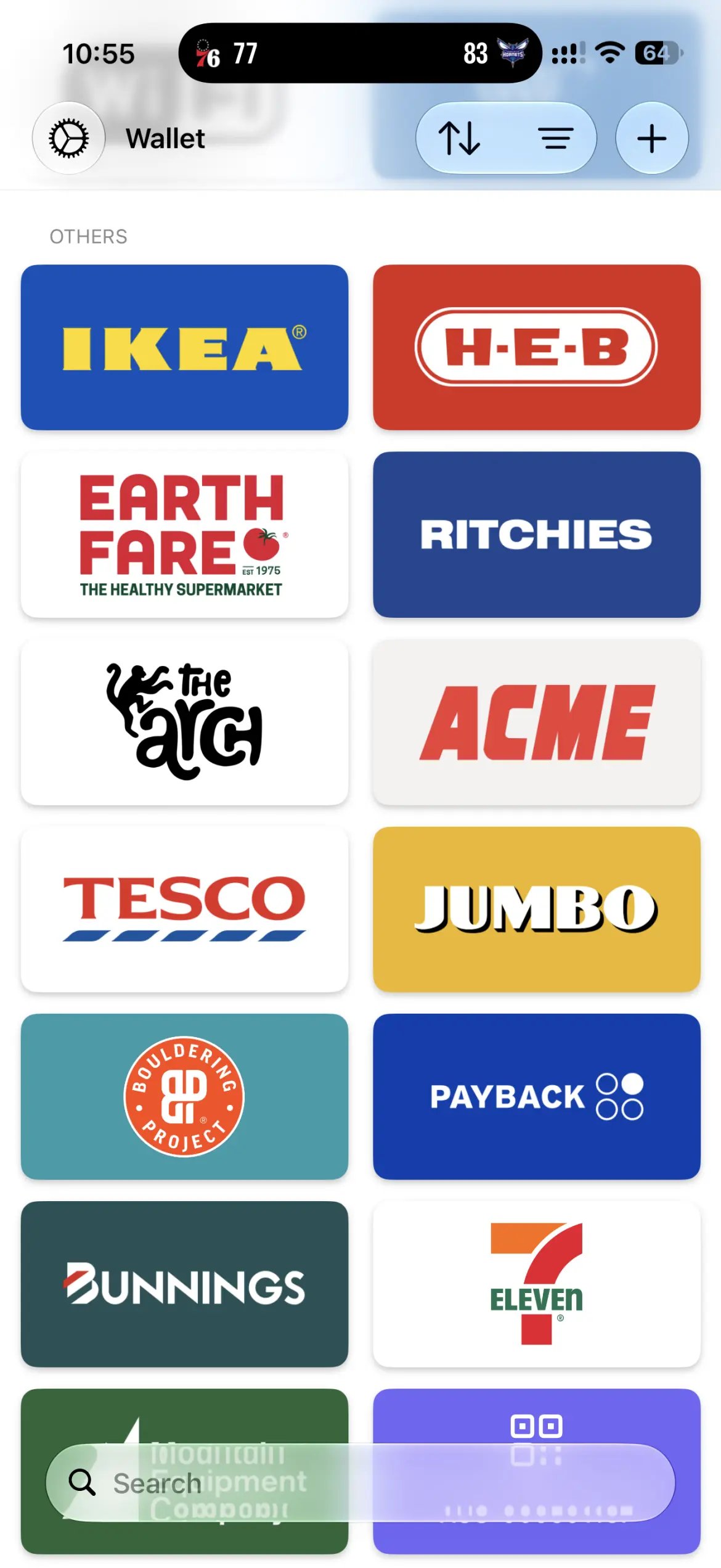
Name your card
- Tap the card you want to rename.
- Tap Edit in the top-right corner.
- Under Information, type a name in the Name field — for example “Coles”.
- Tap Done.
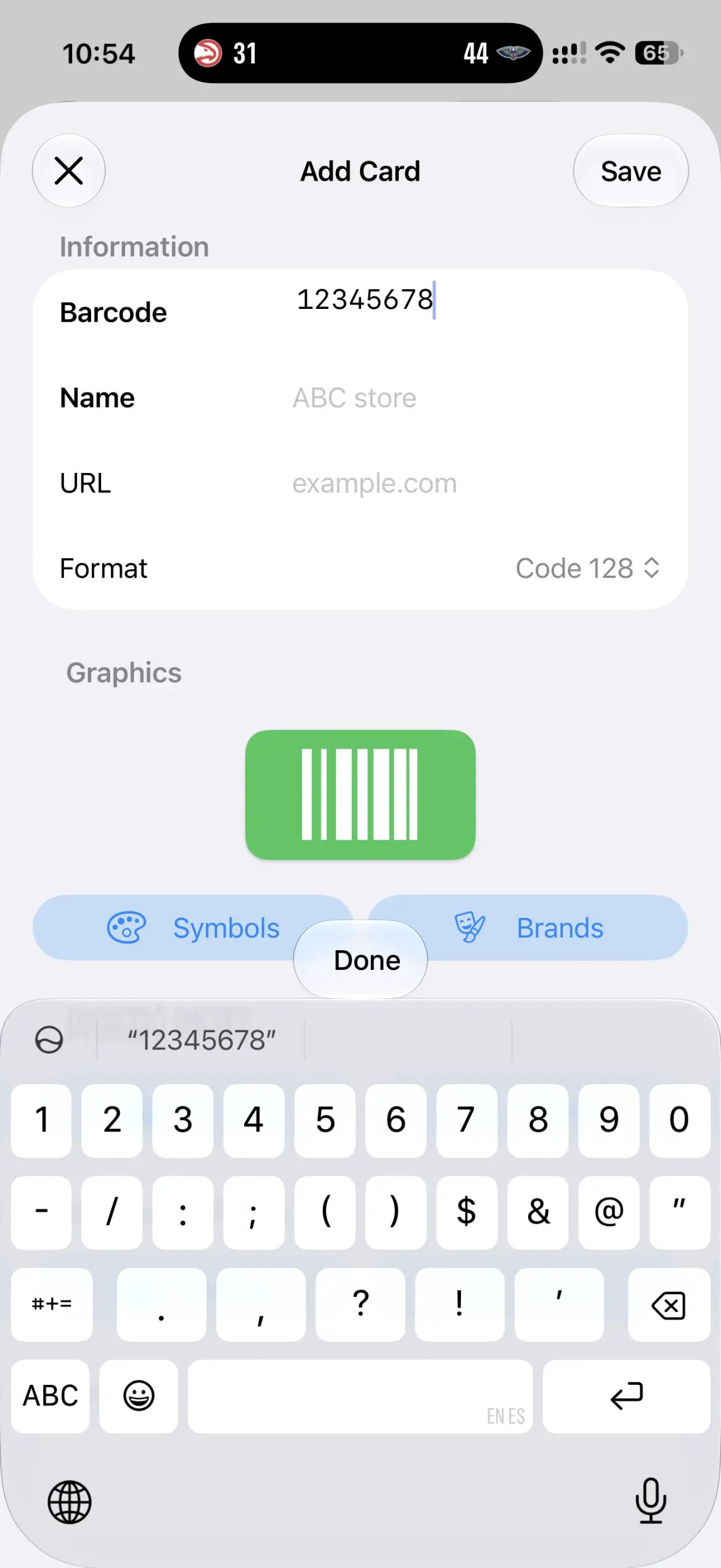
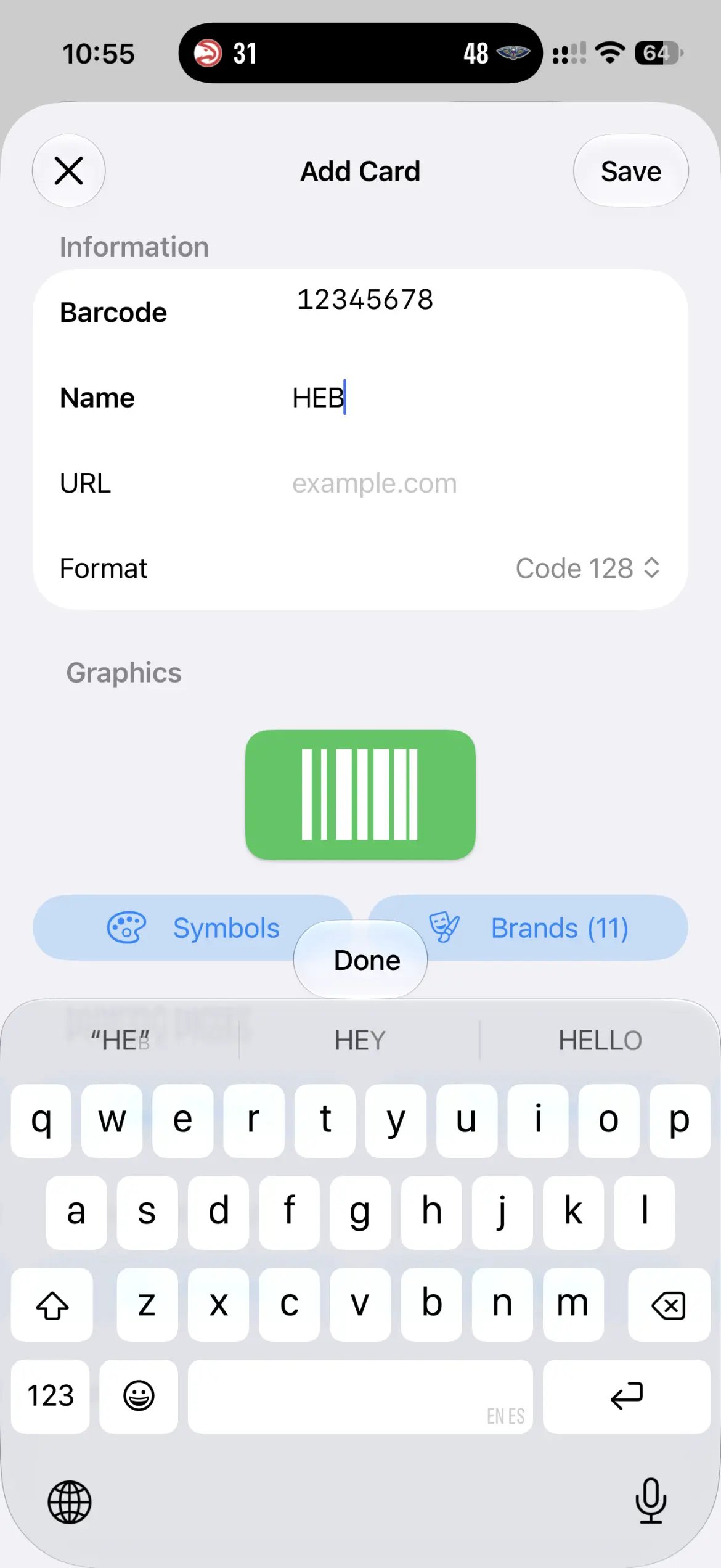
Add the store’s logo
- With the editor open, scroll down to the Graphics section and tap Brands.
- Tap the store’s logo. The list starts off filtered using your card’s name, so the one you want is usually right at the top.
- Tap Save.
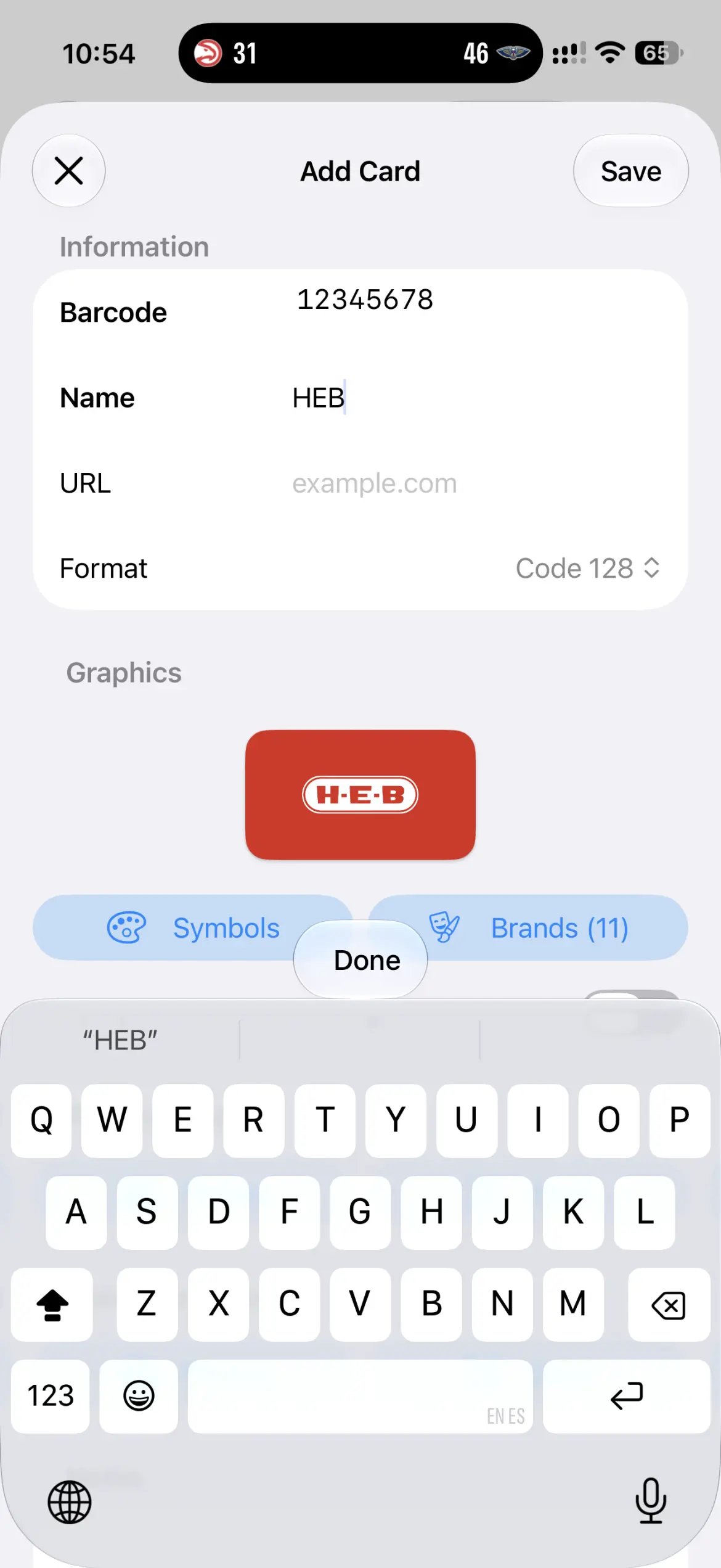
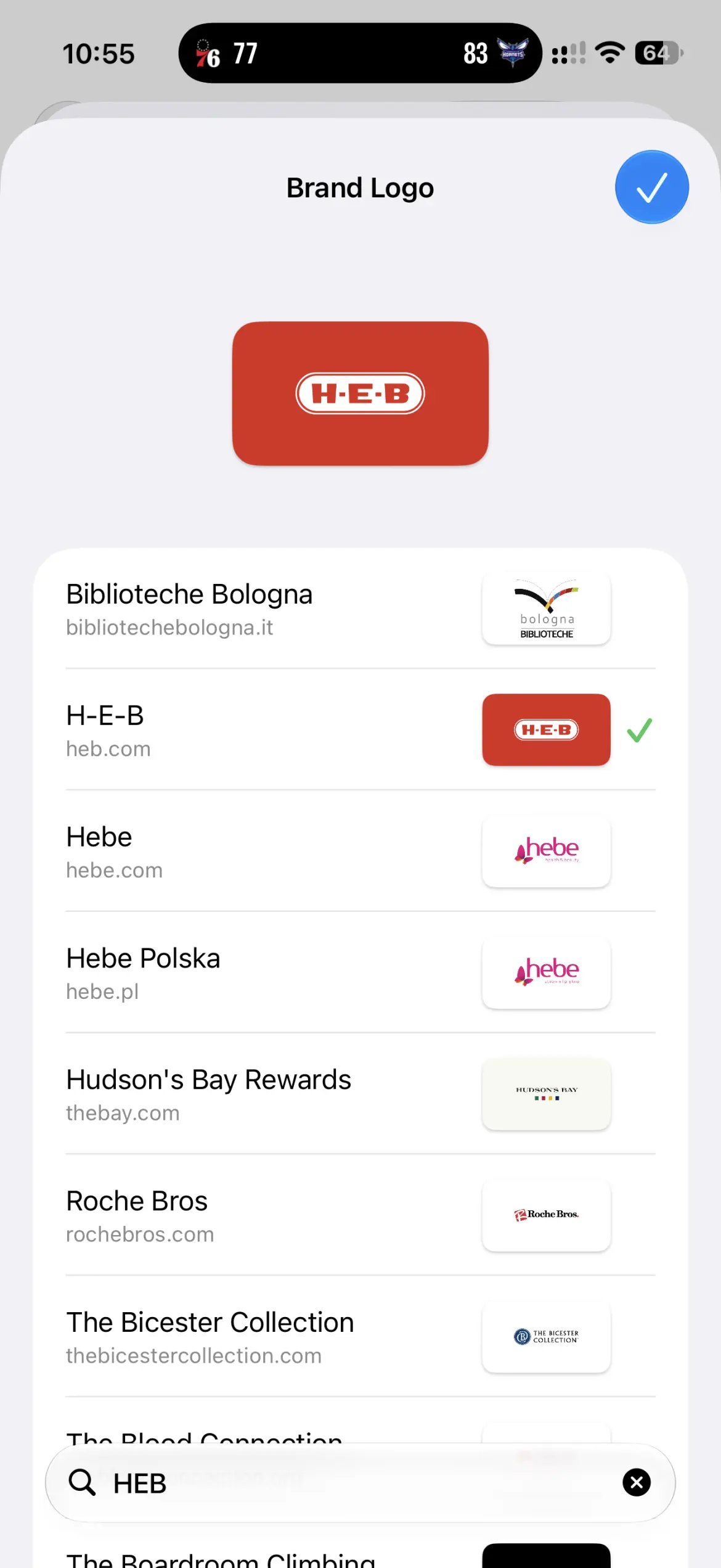
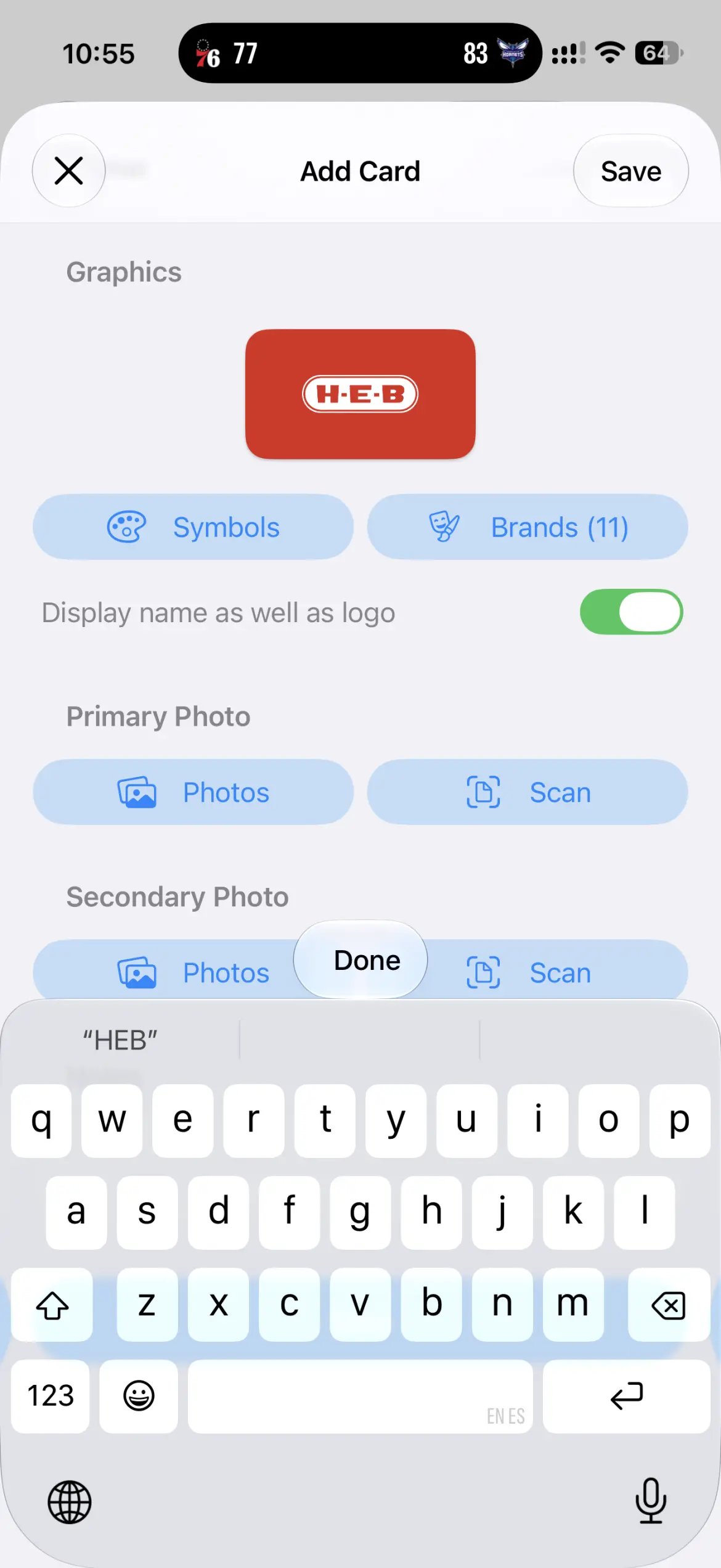
The Display name as well as logo toggle only appears once the card has a store logo.
Prefer a symbol instead?
For cards that aren’t from a big brand — a local café, the gym, a library card — pick a symbol and colour instead. It’s the Symbols button, right next to Brands in the Graphics section.Missing a brand?
If a store you need isn’t in the list, you can request a new brand logo. And if the Brands list looks empty, the logo database may not have downloaded yet — see How do I allow downloading logos on mobile or cellular data?.