How can I get my Apple Wallet passes to show on my Lock Screen when nearby?
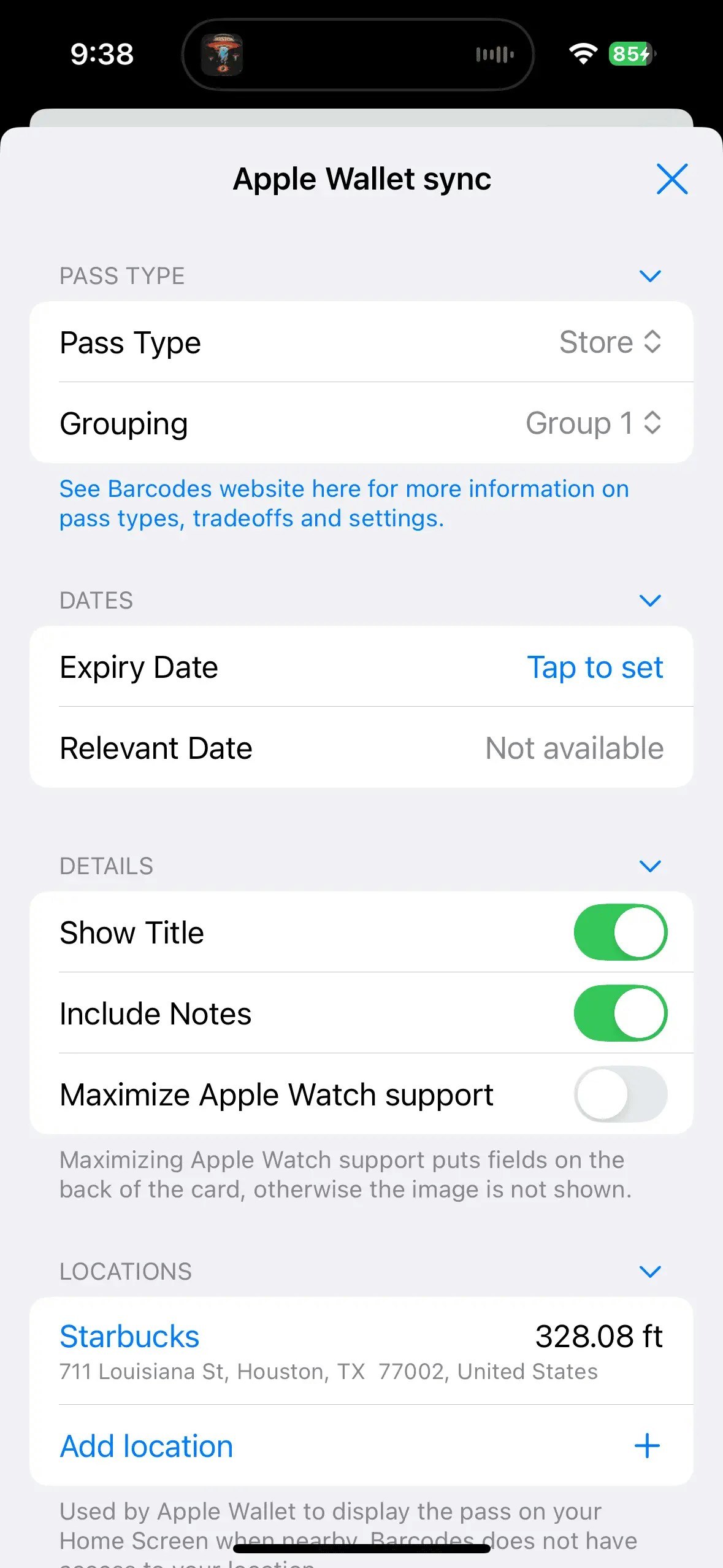
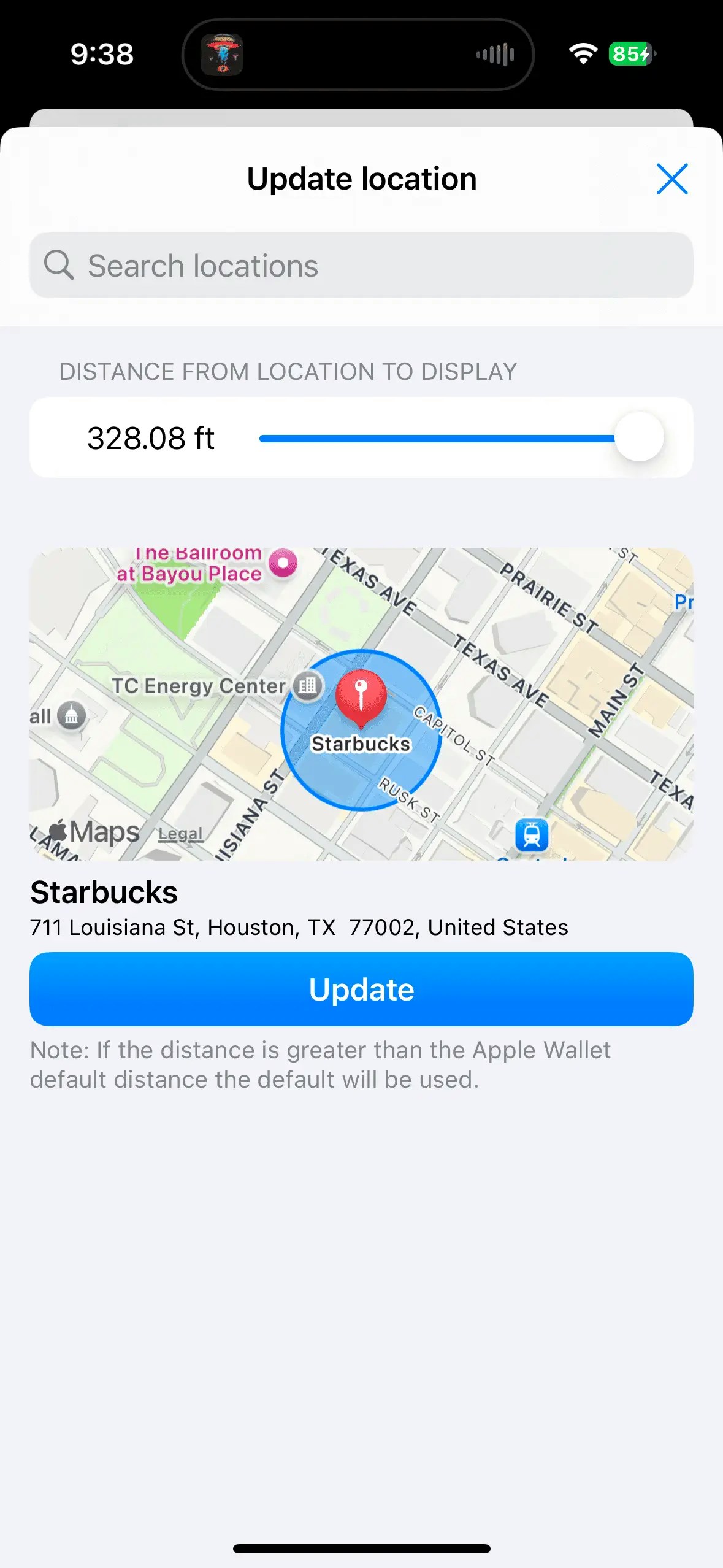
You can edit a card to add up to 10 relevant locations to the Apple Wallet pass, and the distance to display at up to the maximum allowed by Apple Wallet. Then when you are nearby the pass will conveniently show up on your Lock Screen!- Open a card and tap Edit
- Scroll down and tap Configure Apple Wallet
- Scroll down to Locations and tap to add or edit
- Search for a location and set the distance you want the card to be relevant