

Turn off Apple Wallet sync for card
When you delete a card in app it is also removed from Apple Wallet, but you can manually remove the card from within the Wallet app too.- Open the card you want to remove from Apple Wallet.
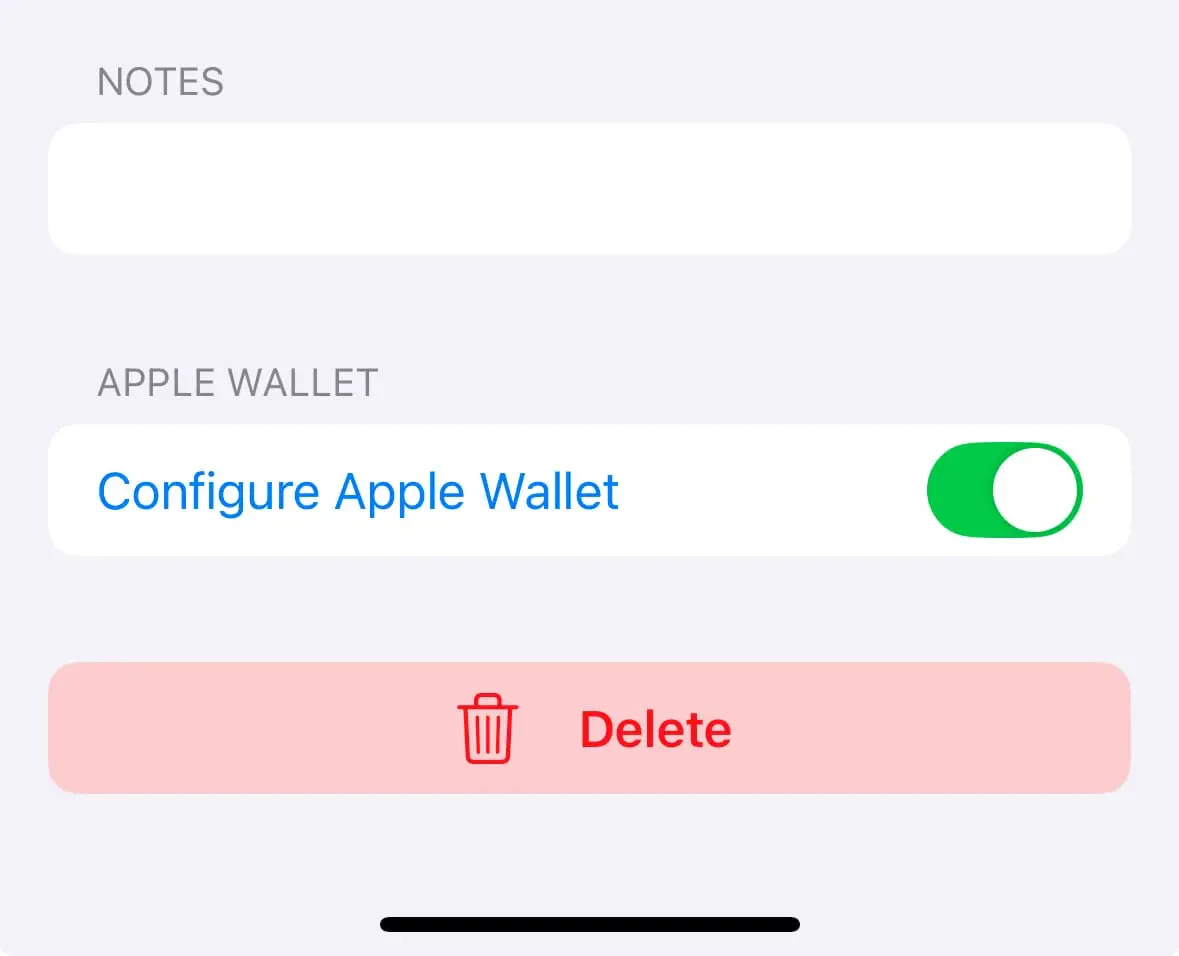
- Tap the Edit button, then scroll down to the Apple Wallet toggle.
- Tap the toggle to toggle off and remove the pass.
Delete card in app
When you delete a card in app it is also removed from Apple Wallet, but you can manually remove the card from within the Wallet app too.How to remove a pass from Apple Wallet
- On your iPhone, open the Wallet app.
- Tap the pass that you want to remove.
- Tap the More button, then tap Pass Details.
- Tap Remove Pass, then confirm.